

What the PoE 2 Market is—and what it is not
When players say PoE2 market, they may mean three different things: the in-game player-market panel, the official browser Trade Site, or a live economy page that summarizes prices. The in-game Market is the useful starting point when you want a supported listing workflow that stays close to the game client. The browser Trade Site remains better for deliberate searches with many item modifiers, while the Currency Exchange is designed for supported stackable resources and order-style decisions.
Do not treat a market listing as a guaranteed sale price. A listing is an asking price at a point in time, and its usefulness depends on the league, item variant, quantity, currency, seller availability, and how recently the offer was refreshed. The official PoE 2 trade FAQ is the right place to check current official rules when the client flow or item restrictions change.
- In-game Market: quick browsing and supported player listings inside the client.
- Official Trade Site: complex equipment filters, seller comparison, and manual research.
- Currency Exchange: supported stackable resources, ratios, quantities, and order states.
- Economy or price pages: context for a decision, not proof that one number will fill.
How to open the player market and choose the right tab
Open the current trade or market entry shown by your PoE 2 client rather than relying on an old shortcut from a previous patch. Depending on the current build, the entry may be exposed from a town, hideout, menu, or dedicated trading panel. If a guide and your client disagree, follow the label and help text visible in the live client; a stable guide should explain the decision rather than promise a shortcut that can age out.
Once the panel is open, decide whether you are browsing equipment, a unique, a gem, or a stackable resource. Start with the broadest tab that matches the item category. Using a currency-order workflow for equipment, or an equipment search for a stackable resource, creates misleading results and makes a normal empty state look like an outage.
- 1
Open the current market entry
Use the in-game menu, panel, or shortcut shown by your current client. Confirm that the league and character context are correct before searching.
- 2
Choose the item family
Separate equipment, uniques, gems, and stackable resources before entering filters. The correct tab determines which fields and currencies are meaningful.
- 3
Set a broad first query
Search the base item and league first. Add important modifiers or quantity limits only after you know the market has matching supply.
Search listings without over-filtering
The fastest way to make a PoE2 market search useful is to separate must-have properties from nice-to-have properties. Start with the correct base, item type, league, and an important stat or quantity. Then compare the size and shape of the result set before adding narrow roll ranges. An empty list often means the query is too exact, the selected tab is wrong, or the available supply is genuinely thin—not automatically that the market is offline.
For rare equipment, compare the full item identity before comparing its price: base, level requirement, defensive values, sockets, corruption state, implicit or influence-like properties, and the rolls that actually affect your build. For currency or bulk stock, quantity and the requested currency can matter more than a single item modifier. If you need deeper modifier logic, continue to the official Trade Site guide rather than forcing every condition into a simple in-game search.
- Remove one low-impact filter when the result set is empty, then search again.
- Compare several matching offers instead of anchoring to the first or cheapest row.
- Check league, quantity, item variant, and listing currency before judging a price.
- Treat an unusually cheap offer as an outlier until the item and seller context match.
Buy an item and verify the final trade
When a listing looks suitable, reread the item name, variant, quantity, league, and requested currency before starting the purchase. Do not assume that a similar icon or abbreviated name represents the same base. For a valuable item, open enough comparable listings to understand whether the offer is normal, unusually low, or simply stale.
At the final confirmation step, inspect the actual item and amount shown by the game. Compare the item in the trade window with the listing that led you there, including rolls, sockets, corruption, stack size, and any property that affects your build. Cancel if the item changes, the currency changes, or another player pressures you to skip verification.
How to put items on the market through Merchant's Tabs
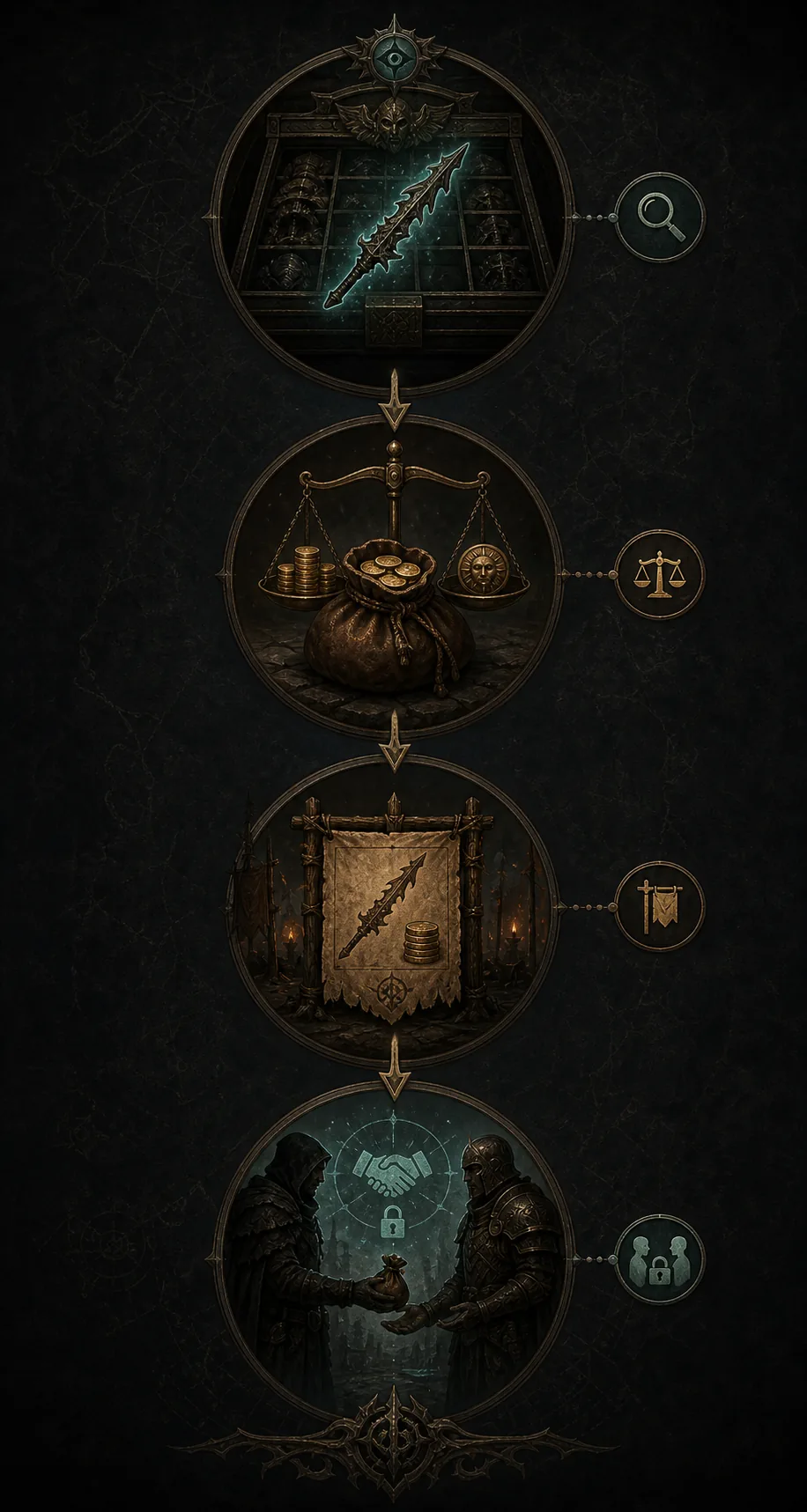
Selling usually depends on the current supported listing flow and the tab or inventory feature exposed by the game. Place the item only in the correct public or merchant listing location, choose the intended currency and amount, and reread the final preview before confirming. A listing that looks correct in your stash but uses the wrong quantity or currency can attract the wrong buyers and be difficult to unwind.
The official trade rules and current patch notes should be checked when a tab name, listing fee, item restriction, or collection step changes. The official patch notes are more reliable for version-specific interface changes than an old community screenshot. Keep the item available until the listing is visibly active, and remove or correct stale entries when the item sells or your price changes.
For pricing, sample several comparable listings and use the range as evidence. If supply is thin, state the uncertainty in your own decision instead of presenting the cheapest visible entry as a stable market value. A quick check with the PoE 2 price checker guide can help with one item, while the PoE 2 economy guide is better for broader currency and market context.
- 1
Prepare the item
Confirm the base, variant, rolls, quantity, and whether the item is eligible for the current listing flow.
- 2
Set the exact price
Choose the currency and amount deliberately. Compare several nearby offers instead of copying a single outlier.
- 3
Check the active listing
Verify that the offer is visible with the intended details, then remove or update it when the item is sold or the market moves.
PoE 2 Market vs Trade Site vs Currency Exchange
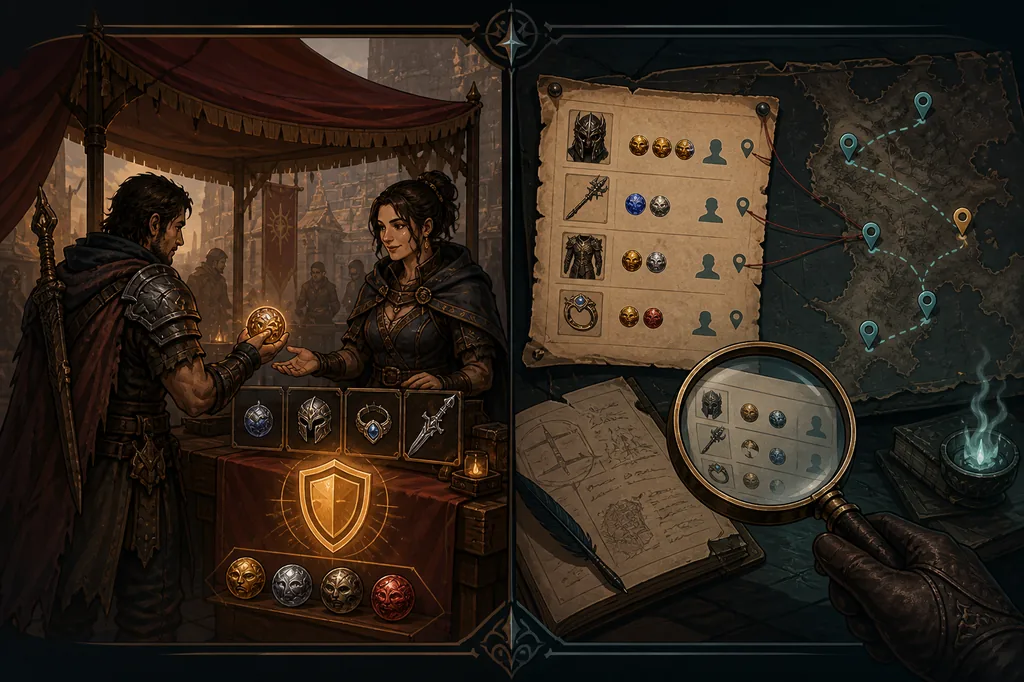
These tools overlap around the word trade, but they answer different questions. Use the in-game Market when the player-listing flow is the shortest path to a supported item purchase. Use the browser Trade Site when detailed stat logic, seller comparison, or a manual query matters more. Use Currency Exchange for the supported stackable resources and order-style decisions it actually handles.
The choice is about intent, not which page has the largest number. If you are unsure, begin with the item category, then ask whether you need a live listing, a deep filter, a ratio, or broad economic context. The diagram below is an editorial explanation of that decision boundary, not a screenshot of a live service.
| Route | Best for | Main limitation |
|---|---|---|
| In-game Market | Quick player listings and supported purchases close to the game client | Current tabs, fees, availability, and shortcuts can change |
| Official Trade Site | Rare equipment, detailed modifiers, seller comparison, and deliberate research | Requires a browser-style search and a separate handoff to the game |
| Currency Exchange | Supported stackable resources, ratios, quantities, and order states | Not a universal equipment marketplace |
| Economy or price guide | Context, ranges, trends, and a repeatable checking method | A snapshot cannot guarantee that your listing or order will fill |
Limits, stale listings, loading problems, and language issues
A market can appear empty for ordinary reasons: the wrong league, an over-specific filter, a category with very little supply, a listing that has expired, or a temporary delay between listing and display. Recheck the item family and remove one filter at a time before diagnosing an outage. If the browser Trade Site works but the in-game panel does not, compare the two queries before changing unrelated overlay settings.
Language can also affect how a filter or item label is understood. Keep official item names and currency names intact when the client uses them as identifiers, but read the surrounding help text in your selected language. If a translation, region, or service response looks inconsistent, use the current official documentation and record the exact version or error instead of copying an old screenshot.
Finally, avoid moving a normal trade into an unknown external marketplace just because one listing is inconvenient. Verify the domain, inspect the item in the game, and keep account or payment details away from unofficial forms. A market guide can explain a workflow, but it cannot guarantee another player's behavior or the availability of a listing.
- Wrong league or category: reset the query and confirm the current client context.
- Empty results: remove the least important filter before assuming an outage.
- Stale listing: compare several offers and check whether the seller is still available.
- Loading or language error: record the version, use official help, and avoid unknown login pages.
Use Exiled Exchange 2 alongside the market
Exiled Exchange 2 is a companion for focused item research, not a replacement for the in-game Market or the official Trade Site. When an item is already under your cursor, the overlay can help parse the copied text and prepare a comparison query. You still need to review the filters, inspect the live listing, and complete the trade through the current official flow.
For a single item, continue to the PoE 2 price checker. For broader market movement, use the economy guide; for past records, see PoE2 trade history. Keeping these jobs separate prevents a price-check overlay, a market listing, and a historical record from being mistaken for the same source of truth.
Final PoE 2 Market checklist
Before buying, confirm the league, item identity, variant, quantity, listing currency, and several comparable offers. Before selling, confirm eligibility, the exact price, the public listing state, and whether the item is still available. Before accepting, inspect the actual item and currency in the final trade window instead of relying on a whisper or an icon.
The best PoE2 market workflow is repeatable: choose the right route, search broadly, narrow only when the data supports it, verify the offer, and refresh after patches or major market changes. When the current client differs from this guide, follow the live official interface and update your assumptions rather than forcing an obsolete shortcut.