
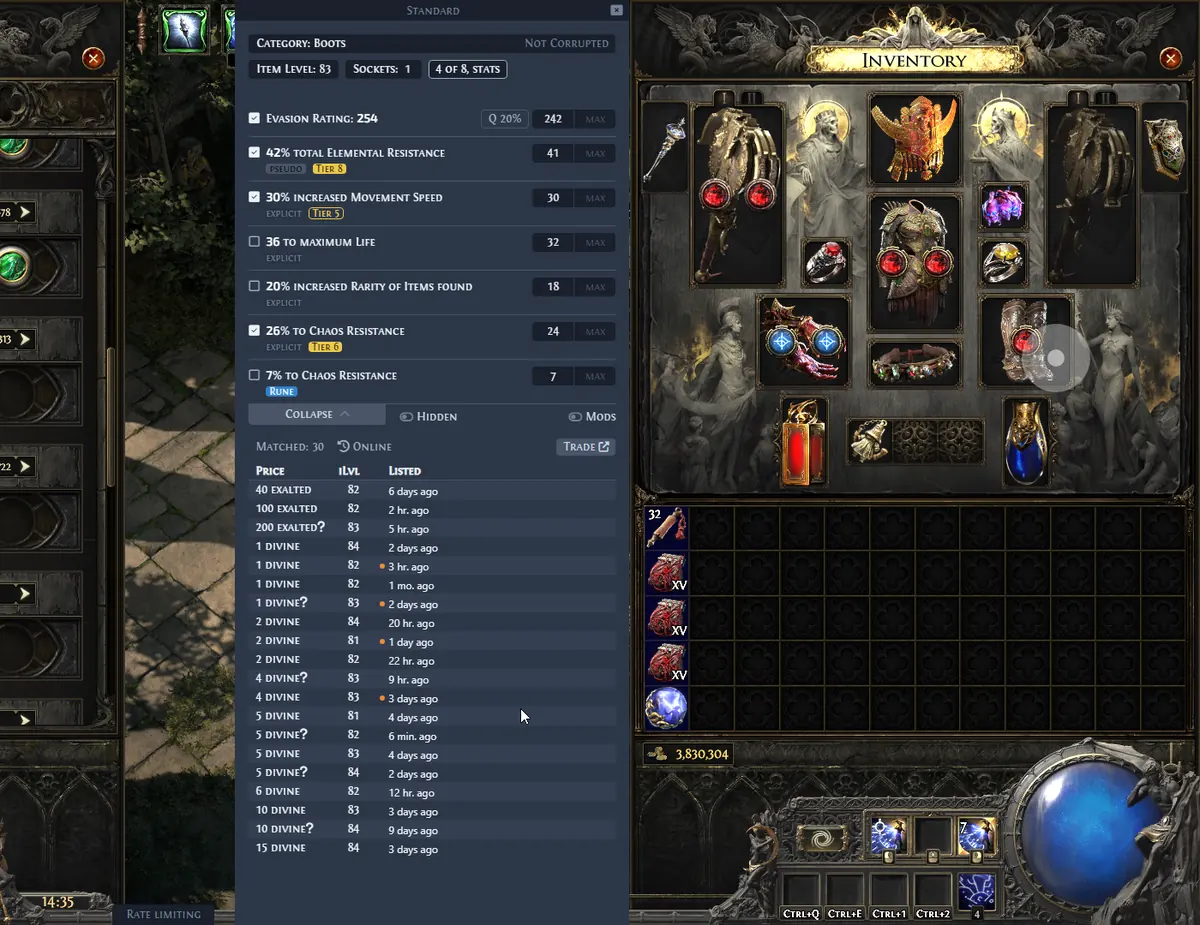
Choose the right PoE 2 price checker for the job
“Price checker” can mean three different tools. An in-game overlay parses the hovered item and prepares a trade query. A market database summarizes categories such as currency, uniques or popular bases. The official Path of Exile 2 trade site gives the deepest manual control but requires more filtering.
Exiled Exchange 2 fits the fast one-item workflow: copy the item, inspect the parsed filters, then compare listings. It does not know a guaranteed sale price, and it should not replace the official trade search when an item is unusual or the result set is weak.
| Need | Best starting point | Why |
|---|---|---|
| One hovered item | In-game overlay | Fast parsed search and comparison |
| Currency or unique trend | Market database | Broad category context |
| Complex rare or niche base | Official trade site | Full manual filter control |
| Whole stash estimate | Dedicated stash service | Batch valuation rather than one item |
How an in-game item price check works
Path of Exile 2 copies a text description of the hovered item. Exiled Exchange 2 reads that clipboard text, identifies the base, rarity, modifiers and other searchable properties, and opens a comparison window. If Ctrl + C does not produce complete item text, the price checker cannot repair the missing game-side data.
Before searching, confirm the correct league and item category. A wrong league can produce a believable but useless market. Also check that the overlay and game use compatible privilege levels and Windowed Fullscreen or Windowed mode.
- 1
Copy and parse
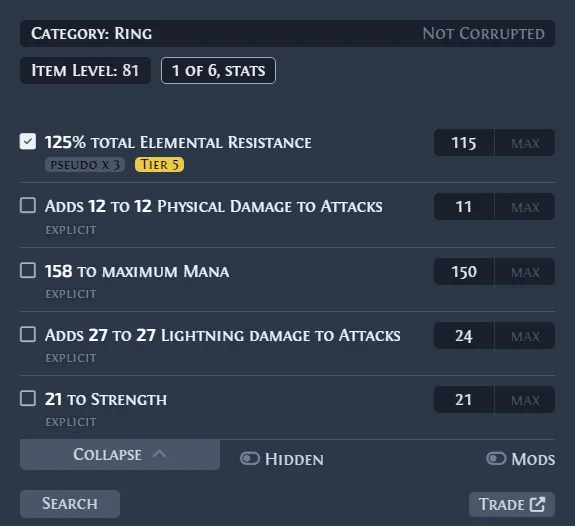
Hover a normal inventory item and press Ctrl + D. Confirm that the name, base and modifiers were parsed.
- 2
Reduce noise
Disable modifiers that do not create meaningful demand and keep the build-defining stats.
- 3
Compare a range
Look for several similar listings, then inspect seller status, listing age and variants.
Price-check rare items without over-filtering
Rare items are the hardest category because two pieces can share a base while serving completely different builds. Start with the two or three modifiers that create demand. Add item level, defense type, sockets or open affixes only when buyers actually care about them.
If the search returns one result, the query is usually too exact to represent a market. If it returns hundreds of unrelated items, it is too broad. Adjust one filter at a time so you can see which property changes the comparison band.
- Keep the most valuable explicit modifiers first.
- Use roll ranges instead of exact values.
- Separate fractured, corrupted, mirrored or special-base items.
- Check open prefix and suffix space when crafting potential matters.
Check uniques, gems and currency with item-specific rules
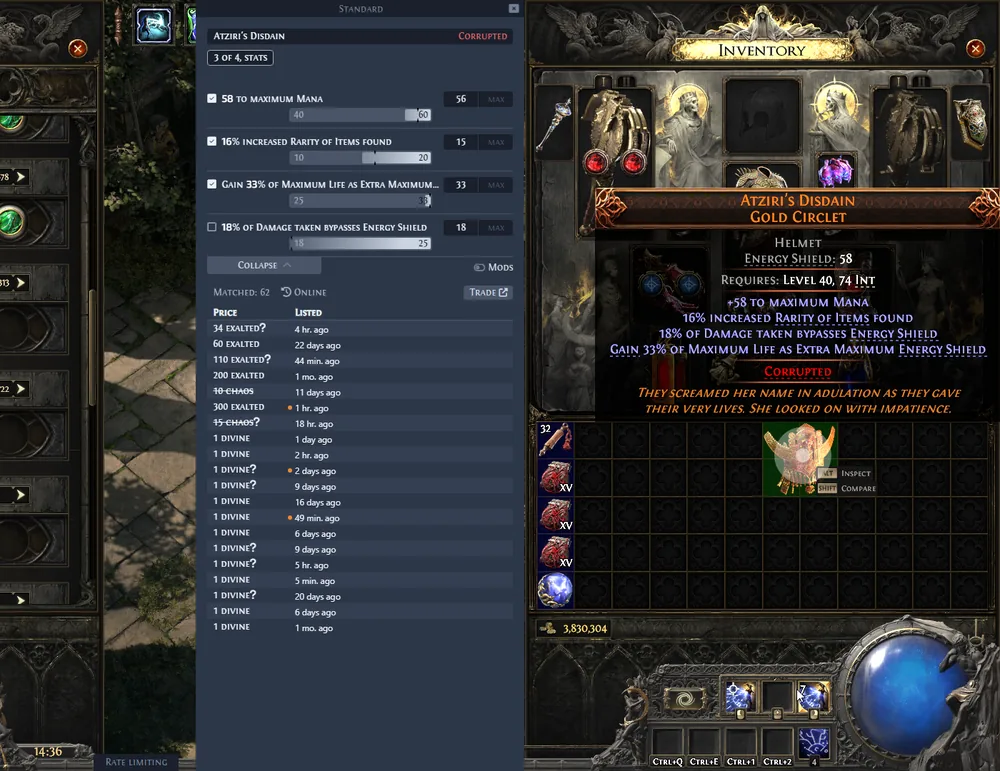
Uniques are easier than rares only when the variant matches. Compare sockets, corruption, key roll ranges and special versions. A low roll and a perfect roll can occupy different markets even when the item name is identical.
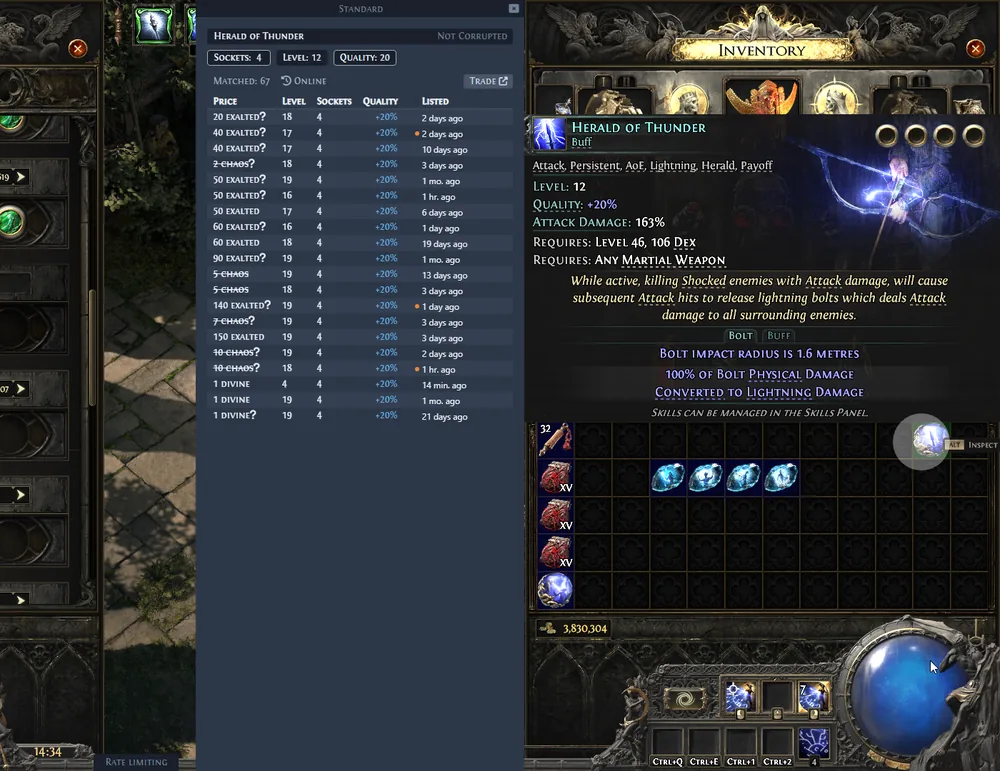
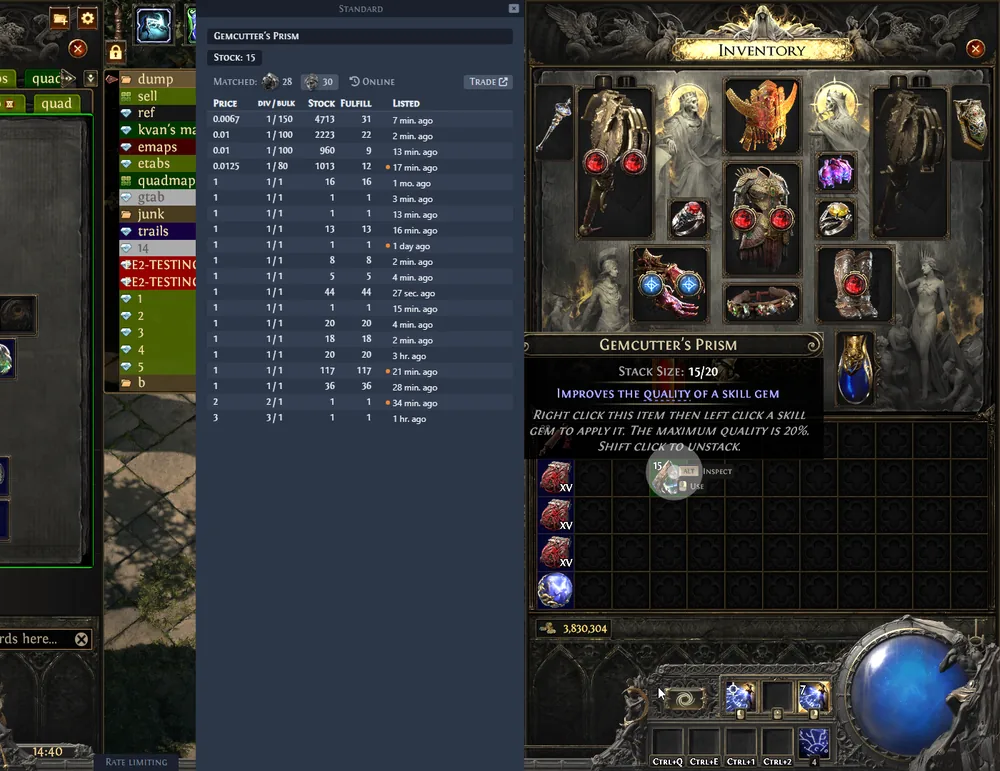
For gems, confirm level, quality, corruption and special variants. For currency and stackable items, compare the correct exchange ratio and stack size instead of reading one equipment-style listing.
| Item type | Must verify | Common mistake |
|---|---|---|
| Unique | Variant, rolls, sockets, corruption | Comparing a different version |
| Gem | Level, quality, corruption, special type | Ignoring quality or variant |
| Currency | Pair, ratio, stack size, liquidity | Treating one listing as a unit price |
| Rare | Base and demand-driving modifiers | Keeping every parsed modifier |
Read listings without chasing the lowest number
A useful result usually contains a cluster of comparable listings. The lowest entry may be stale, unavailable, bait-priced or attached to a different variant. Check how many sellers appear in the same range and whether those listings are recent enough to represent the current league.
When the first screen looks inconsistent, open the full trade search and inspect the filters. Widen exact rolls, remove weak modifiers, or split the item into separate comparisons. The goal is a defendable range, not a magical single number.
| Result pattern | Likely meaning | Next action |
|---|---|---|
| Several similar listings in one band | Reasonable comparison range | Check seller status and age |
| One extreme low outlier | Possibly stale or bait-priced | Ignore until corroborated |
| No results | Filters are too exact or market is thin | Widen rolls or remove weak mods |
| Many irrelevant results | Search is too broad | Add demand-driving properties |
Accuracy, privacy and version limits
No PoE 2 price checker can guarantee a sale price. Markets move with league age, balance changes, build popularity and player availability. Use the result as a decision aid, then lower or raise your listing based on response and liquidity.
Exiled Exchange 2 is an independent open-source project. Verify downloads through the official GitHub Releases. The latest verified version on July 14, 2026 is v0.15.8, published June 20, 2026. Normal checks begin with local clipboard text; trade-service maintenance, VPNs, DNS or cloud clipboard limits can still interrupt the request.
- Do not claim a checker provides an official valuation.
- Do not download repacked executables from unrelated mirrors.
- Recheck valuable items before accepting a fast whisper.
- Use the troubleshooting guide when parsing works but searches fail.
In-game price checks
Download the verified Exiled Exchange 2 release
The latest official release remains v0.15.8, published June 20, 2026. The button hands off to the official GitHub asset after the site countdown.
Download Exiled Exchange 2