
What a PoE 2 stash price checker actually does
A stash-value service usually reads visible stash data, classifies items, matches them to market records and converts the result into a common currency. The result depends on league, data freshness, public-tab visibility, item parsing and the service's pricing model.
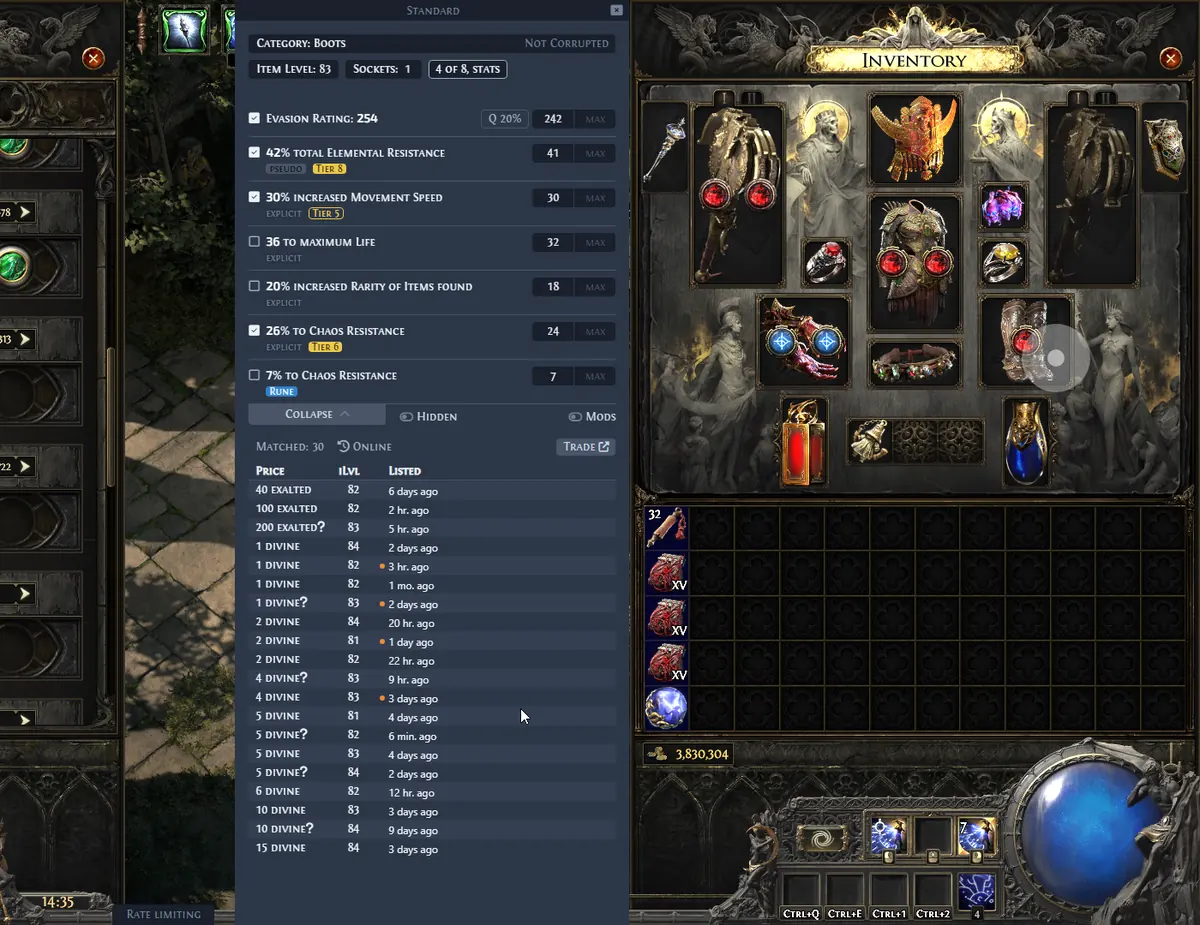
The official Exiled Exchange 2 documentation describes hovering an item, copying its text and building a trade query. It does not document a batch scan that totals every stash tab. Treat Exiled Exchange 2 as the verification step after a stash estimate.
| Task | Best starting point | Main limitation |
|---|---|---|
| Find promising tabs | Stash estimator | Total may include illiquid items |
| Check one rare or unique | Exiled Exchange 2 | Requires filter review |
| Value currency stacks | Currency Exchange or market | Ratios and stock change |
| Confirm a listing range | Official PoE 2 trade site | Manual work is slower |
A safer five-step stash valuation workflow
Start broad, then spend manual time only where the estimate suggests meaningful value. This avoids checking every low-value item while preventing one automated number from driving sale decisions.
- 1
Select the correct league and account
Old leagues, private tabs or the wrong account can make the result incomplete or misleading.
- 2
Scan by tab, not only by grand total
Separate currency, uniques, maps or waystones, gems and rare-item tabs so one noisy category does not hide the rest.
- 3
Sort for high-value outliers
Create a shortlist instead of pricing every item. Flag results that are far above the tab median.
- 4
Verify each shortlisted item
Use the PoE 2 price checker workflow, confirm the base and modifiers, then inspect a cluster of comparable listings.
- 5
Record realistic sale value
Discount stale, low-stock or highly specialized listings and keep liquid currency separate from slow inventory.
Check currency and bulk tabs separately
Currency stacks are easier to value than complex rares, but an estimator can still use stale ratios or ignore minimum quantities. Compare current exchange ratios and the amount you can actually sell in one order.
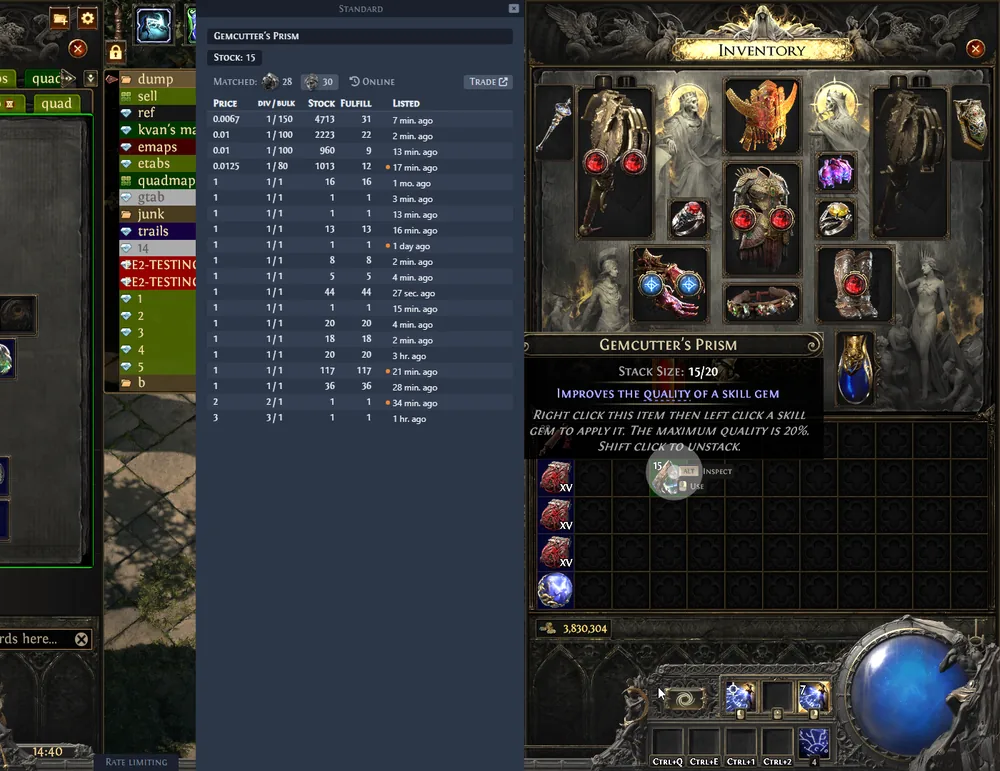
For fragments and other bulk goods, price per unit and total stack value are different questions. Use the PoE 2 bulk trade guide before counting the full stack at the best advertised rate.
Why rare-item totals are often inflated
Rare items are difficult to batch-price because differences in base, item level, modifier tiers, rolls, sockets, quality and corruption can change demand. An automated match may be too broad and copy an optimistic listing that has not sold.
When a rare looks valuable, remove weak modifiers, widen overly exact roll ranges and compare several recent listings. If the result changes dramatically when one filter is removed, the stash estimate is low confidence.
- Do not anchor to the cheapest listing; it may be stale, mispriced or bait.
- Do not count every rare with a theoretical price as immediately sellable inventory.
- Use exact unique variants and relevant rolls instead of matching only the item name.
- Check whether demand exists in the current league before valuing niche gear.
Privacy and access checks before using a stash tool
A service may work with public stash tabs, an account connection or data pasted into the browser. Read what access is requested and avoid entering game credentials into an unrelated site. Prefer official authorization flows when a connection is genuinely required.
This independent site does not endorse a specific stash estimator. Verify the service's ownership, privacy policy, data retention and recent maintenance before connecting an account.
Turn an estimate into a selling plan
Split the result into liquid currency, bulk stock that needs a realistic ratio and individual gear that needs manual verification. This is more useful than one grand total.
Review the shortlist after balance patches, league changes or trade disruptions. Final listings should reflect current comparable stock rather than yesterday's calculator output.