
Verify the official Exiled Exchange 2 macOS DMG
The official project publishes a universal macOS DMG for Apple Silicon and Intel Macs. The first-party release checked on October 8, 2026 is v0.16.3, published September 6, 2026.
Use the official download page or the GitHub Release. Confirm the owner, tag, filename, size, and checksum before opening the image. The page hands off to the developer-hosted asset; this site does not mirror it.
Release pages also show source archives and metadata. A Source code ZIP is not a runnable Mac app, and an unknown mirror is outside the verified distribution path.
| Check | Expected value | Why it matters |
|---|---|---|
| Release | v0.16.3 | Current stable package checked 2026-10-08 |
| Asset | Exiled-Exchange-2-0.16.3-universal.dmg | Apple Silicon + Intel |
| Size | 221.3 MB | Matches the GitHub asset metadata |
| SHA256 | 6bd2d158…3214d4 | Compare when integrity matters |
| Updates | Manual replacement | The DMG is not auto-update capable |
Install Exiled Exchange 2 on macOS
A DMG is a delivery container, not the final install folder. Keep it until the first launch works, then quit the app before replacing it. Copy the application into Applications so Finder, permissions, and updates refer to one stable bundle.
The universal build covers both chip families, while macOS permissions and Gatekeeper prompts vary by system version. Keep the game and overlay on the same Mac during the first test.
- 1
Download the DMG
Use the verified macOS button below or the official release page. Check the filename before opening the disk image.
- 2
Open the disk image
Double-click the universal DMG and wait for Finder to show the application and the Applications shortcut.
- 3
Copy the application
Drag Exiled Exchange 2 into Applications. Do not run it only from the mounted image if you want a stable update path.
- 4
Eject the image
Close the disk image window and eject it in Finder. Keep the DMG as a temporary rollback copy only when needed.
- 5
Launch once
Open the copy in Applications, note any security prompt, and do not delete configuration when the first launch needs approval.
Handle Gatekeeper and the unsigned app warning
The official download page says the application is unsigned. macOS may report that the developer cannot be verified or the app cannot be opened; treat the alert as an origin check.
Cancel first and verify the Kvan7/Exiled-Exchange-2 owner, release tag, filename, size, and checksum. If those match, open System Settings → Privacy & Security and use the standard Open Anyway action for the Applications copy.
If Open Anyway is missing, launch the Applications copy once so macOS records the block, then return to Privacy & Security. Do not disable Gatekeeper globally or paste commands from an unverified source.
After approval, launch the same copy again. A successful launch still requires separate checks for the game window, clipboard, shortcut, and trade request.
- Verify the GitHub owner, release tag, filename, size, and SHA256 when required.
- Use the normal macOS Open Anyway flow after the source check.
- Do not disable Gatekeeper globally for one utility.
- Record the exact macOS warning if the app remains blocked.
- Keep the original DMG until the approved copy opens successfully.
Connect the macOS overlay to Path of Exile 2
Launch Path of Exile 2 in Windowed or Windowed Fullscreen mode so the overlay can identify the active game window and draw above it. Exclusive Fullscreen can hide or detach the overlay.
Start Exiled Exchange 2 after the game reaches a character or hideout. Open settings with Shift + Space, confirm league and language, and check that the saved game title is Path of Exile 2.
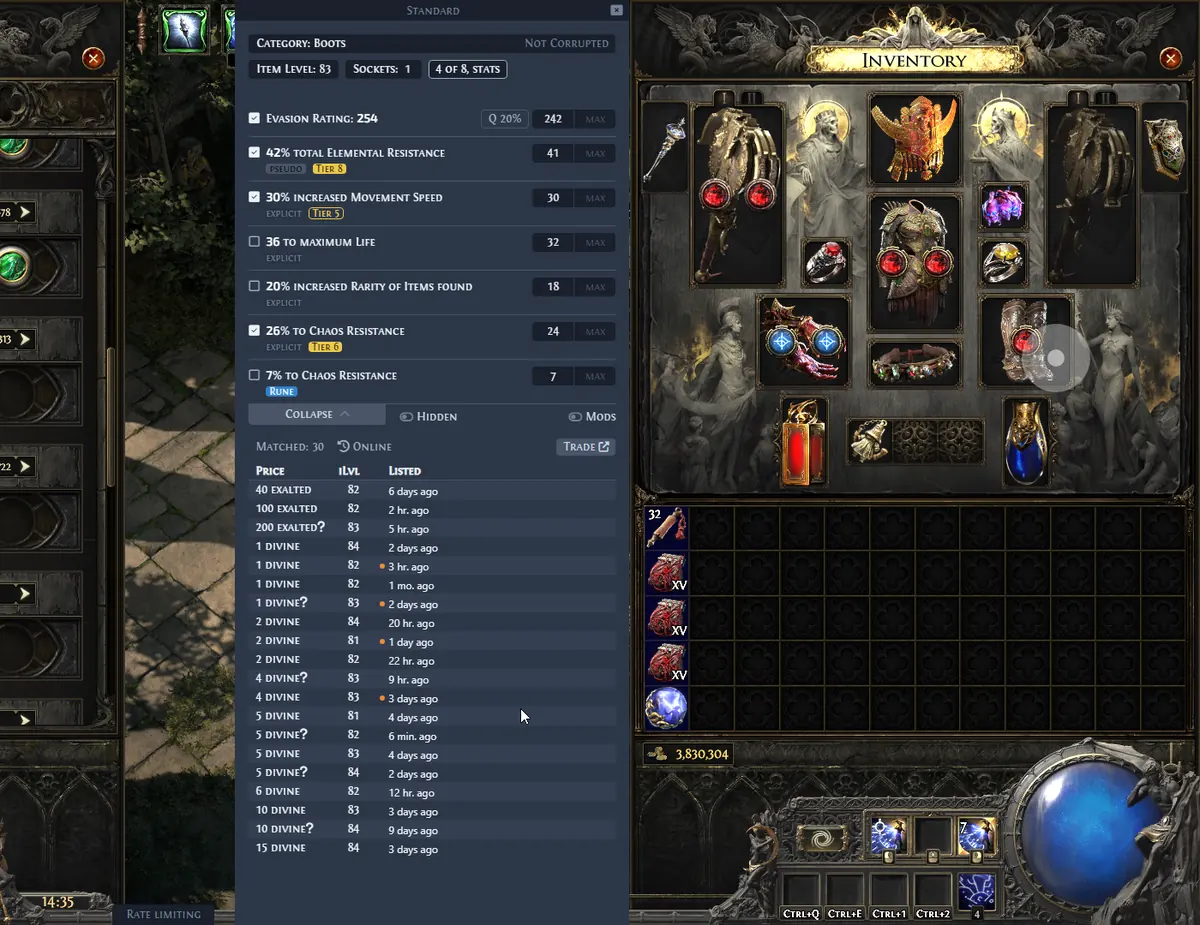
The overlay reads item text copied by the game; it is not the official trade site and does not guarantee a sale price. Keep the browser available to review listings and verify filters.

Run the first macOS price check
Use an ordinary inventory item. Hover it, press Ctrl + C when the game requires an explicit copy, and paste into a plain-text editor. Confirm that the name, base, modifiers, and values arrived before testing the overlay shortcut.
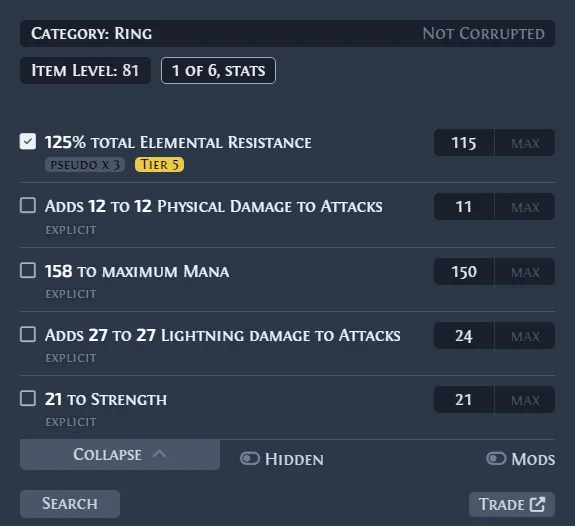
If the query is narrow, remove one filter at a time and compare listings; value depends on rolls, sockets, corruption, and league.
If nothing happens, test the shortcut in settings and close other global-key, capture, or clipboard tools. A missing permission and a temporary trade-service error need different fixes, so record which stage failed.
- 1
Copy complete text
Paste the item into a plain-text editor and confirm that name, base, modifiers, and values are present.
- 2
Press the deliberate shortcut
Use Ctrl + D once. Do not hold the key or run an automation loop.
- 3
Review the query
Check league, category, modifiers, and roll ranges before comparing listings.
- 4
Record the boundary
If the result fails, note whether the game, clipboard, shortcut, parser, league, or request stage failed.
Update the macOS DMG without losing settings
The universal DMG is not auto-update capable. For a new stable release, compare its tag and filename with the app, quit the overlay, copy the new bundle into Applications, and launch once before removing the old DMG.
Keep user data separate from the app bundle. Before replacement or reset, back up the Exiled Exchange 2 data folder and note custom hotkeys; if settings disappear, check the Applications path and user data before deleting anything.
Keep one verified older copy briefly for rollback, then return to the latest stable release.
| Situation | Recommended action | Avoid |
|---|---|---|
| New DMG | Quit app → copy new app → launch once | Replacing a running bundle |
| Settings missing | Check Applications path and user data | Deleting folders immediately |
| Open warning returns | Verify release and review Privacy & Security | Disabling Gatekeeper globally |
| Rollback test | Keep one verified older copy temporarily | Mixing old and new data blindly |
Troubleshoot Exiled Exchange 2 on macOS
When Ctrl + D does nothing, isolate the chain: visible game window, complete Ctrl + C text, free shortcut, overlay event, and trade response. This separates clipboard and hotkey problems from network or parser errors.
A blank overlay can come from display scaling, a second monitor, a Windowed mode change, or a stale process. Close both programs, start the game first, and retry with one monitor and one ordinary item.
If leagues or listings fail, test the official trade site and review the troubleshooting guide. VPN, DNS, temporary service errors, and an outdated release can look alike.
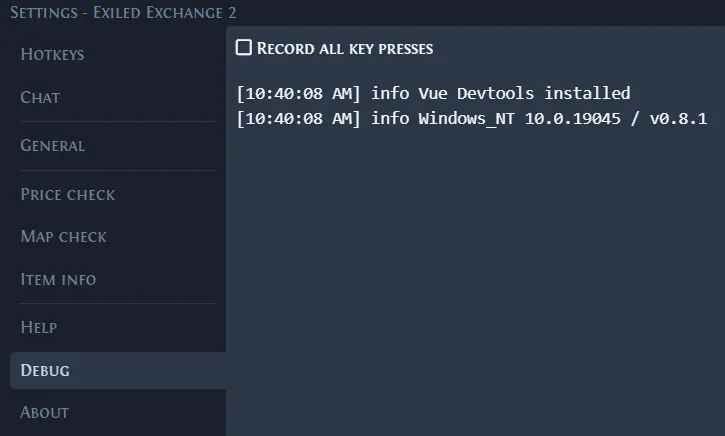
After one reproduction, use Debug and record macOS version, chip, app version, display mode, shortcut, item location, and the smallest useful log excerpt. The official issue tracker can use that focused report.
- App blocked: verify the official source and review Privacy & Security.
- Shortcut ignored: test clipboard text and close competing global-key tools.
- Blank overlay: compare one monitor, Windowed mode, and display scaling.
- No leagues: compare the official trade site, version, network, and logs.
- Migration error: back up data and confirm the saved window title is Path of Exile 2.
macOS limits, privacy, and safe support
The universal DMG does not make Exiled Exchange 2 Apple-signed. It remains a community utility; official documentation defines release and compatibility details.
Do not share account details, cookies, tokens, or complete archives. Report the expected result, observed result, smallest item, and relevant log line.
Remote sessions without clipboard forwarding cannot provide local item text; test a supported local game session.
macOS installation checklist after the first launch
After the first check, record version, macOS, chip, display mode, and hotkeys.
Test an ordinary item first; change one variable when checking special categories.
Use the official Release or button below for each current platform asset.
- One Applications copy and one overlay process.
- Path of Exile 2 in Windowed or Windowed Fullscreen mode.
- A backup of user configuration before replacement or reset.
- Version, macOS release, chip family, and shortcut recorded for support.
- Official release source checked before every manual update.
Official macOS package
Download Exiled Exchange 2 for macOS
v0.16.3 · 221.3 MB · universal DMG for Apple Silicon and Intel · official GitHub Release
Download macOS DMG